Solar installers
AI for Solar Inventory: Automating Supplier Invoices and Rooftop Delivery Notes
By Samuel Michelot · Updated September 2026
Short answer
Installers lose money every year to misplaced mounting hardware, untracked returns and supplier price discrepancies. An AI inventory workflow fixes this: (1) it extracts line items, serial numbers and unit costs from distributor PDF invoices (BayWa r.e., Krannich and others), (2) it updates ERP stock counts without manual entry, and (3) it lets installers sign off parts on the roof from a phone, which decrements inventory the moment the job is done. Warehouse counts stay accurate and crews stop losing hours to missing parts.
A crew arrives on site, opens the van, and finds two rail connectors or a DC protection box missing.
The job stops. Two installers spend two hours driving between electrical wholesalers. The install slips to the next day, the following client gets pushed, and the margin on the job is gone.
For a company doing 5 to 20 installations a month, this is hard to control by hand:
- Deliveries arrive from several distributors (BayWa r.e., Krannich Solar, Menlo Electric, local wholesalers).
- Packing slips end up in cardboard boxes, on dashboards or in pockets.
- Invoices arrive by email days later and sit in a busy accounting inbox.
- Nobody knows whether the panels in the warehouse belong to Mrs. Garcia’s job, to Friday’s industrial project, or are free for a new quote.
This is how independent installers connect distributor invoices, warehouse stock and rooftop delivery notes with AI and simple mobile forms.
What the gap costs
A ten-person installer buys hundreds of thousands of euros of equipment a quarter: modules, hybrid inverters, lithium batteries, rails, DC cable, protection boxes.
When that is tracked in a spreadsheet or on paper slips, three problems show up:
- Dead stock. Leftover rails, extra brackets and returned inverters pile up without being listed, tying up cash.
- Idle labor. When a crew gets to the roof and a part is missing, paid installer hours burn while someone drives to fetch it.
- Unnoticed price rises. Distributors change prices often. If quoting uses prices from three months ago while the accounting department pays the new invoices, project margin erodes before anyone notices.
Fixing this does not require a full-time warehouse manager. It requires a bridge between the invoices you receive and the work your crews finish on the roof.
The circuit, from invoice to roof
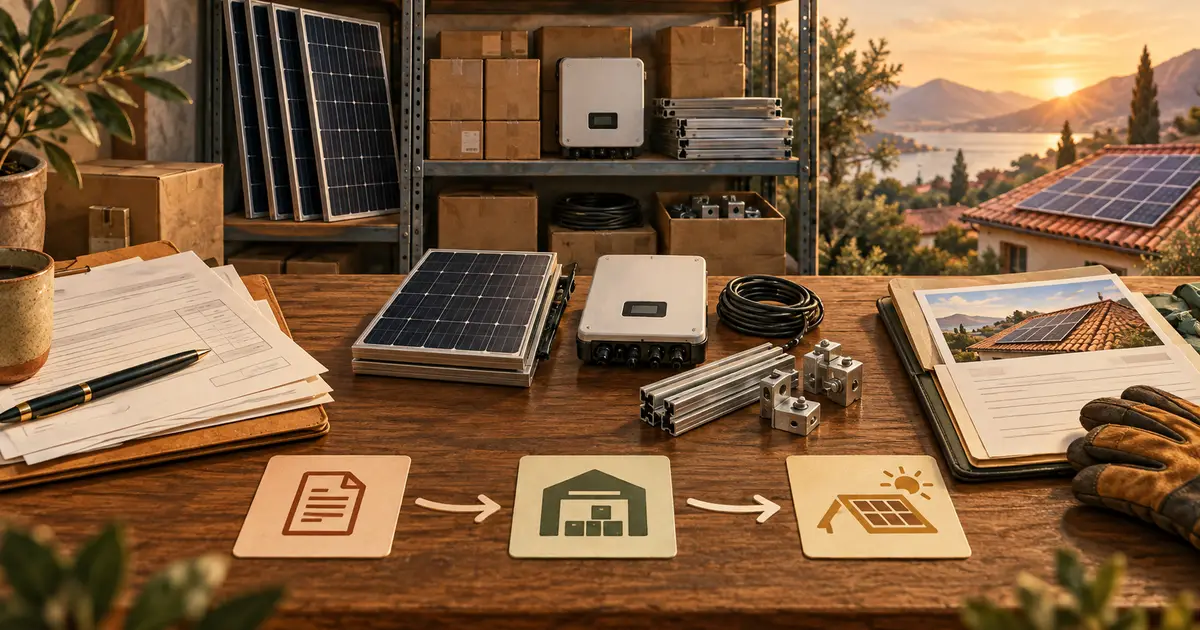
Distributor invoice (PDF by email: BayWa, Krannich, etc.)
                        ↓
AI invoice parser (items, SKUs, unit costs, serial numbers)
                        ↓
ERP stock update (STEL Order / Odoo counts updated automatically)
                        ↓
Digital rooftop delivery note (installer confirms parts on mobile)
                        ↓
Real-time stock decrement and job costing reconciliation
1. Read the distributor invoice automatically
Whenever a distributor ships equipment, they send an itemized PDF.
Instead of an assistant spending twenty minutes retyping lines into your ERP:
- an email rule forwards invoices from known suppliers into a processing pipeline;
- a document model reads part numbers, brands (Sungrow, Huawei, Canadian Solar), quantities and unit prices;
- the items are matched against your master parts database. When a distributor uses a slightly different description, semantic matching links it to the right internal SKU.
Stock rises in your system the same day the pallet arrives, with no manual entry.
2. Protect margin at quoting time
When purchase invoices are processed automatically, current costs sync with your quoting database.
- If module prices drop 8% or inverter costs rise 5%, your cost baseline updates.
- Sales staff preparing proposals always work from current costs, which avoids underpriced jobs.
- For the full quoting method, see our guide on using AI to prepare solar quotes.
3. Capture rooftop delivery notes on a phone
The hard part is recording what actually leaves the warehouse and ends up on the client’s roof.
Paper delivery notes (albaranes, bons de livraison) get lost or ruined on site, and technicians dislike admin at the end of a long day.
A lightweight mobile flow is enough:
- the crew lead opens the assigned project on a phone or tablet before leaving;
- the standard bill of materials is pre-listed (12 panels, 1 inverter, 24 roof hooks, 50 m of 6 mm solar cable);
- the installer confirms what was loaded, notes any substitution (tile hooks instead of sheet metal brackets), and photographs the finished panel;
- the customer signs on the screen at the end.
4. Decrement stock and cost the job
Once the mobile note is signed:
- The components are subtracted from warehouse inventory.
- Their cost is assigned to the customer’s project in the ERP.
- Your dashboard shows the real gross margin on that installation: contract price minus actual equipment cost and installer hours.
To see how these triggers connect to STEL Order or Odoo, read our walkthrough on STEL Order and Odoo AI automation for solar.
Paper vs automated
| Manual paper tracking | Automated inventory | |
|---|---|---|
| Supplier invoice intake | Filing or manual entry (20 min per invoice) | Parsed automatically (about 10 seconds) |
| Price changes | Noticed weeks later on the bank statement | Alert as soon as a cost changes |
| Job-site sign-off | Paper slips, frequently lost | One-tap mobile sign-off with customer signature |
| Warehouse accuracy | Annual discrepancies, surprise missing stock | Continuous reconciliation |
| Job profitability | Estimated at the start, rarely checked | Net margin calculated on sign-off |
Getting started
You do not need to replace your tools or buy enterprise software:
- Centralize supplier invoices. Create a dedicated address (for example
facturas@yourcompany.com) and set up automatic forwarding. - Define standard kits. List the exact components in your 3 kW, 5 kW and 8 kW packages so outbound notes are pre-configured.
- Give crews a short mobile form. Replace paper slips with a screen that takes under two minutes on the roof.
To implement these flows and compare notes with other solar founders, see our AI training for solar installers.
Frequently asked questions
How does AI parse complex PDF invoices from major solar distributors?
Distributors like BayWa r.e., Krannich Solar, or Sonepar issue invoices with complex layouts, multi-currency lines, and varied SKU naming conventions. Document AI models extract part references, unit prices, tax categories, and quantities, mapping them directly to the corresponding inventory IDs in your ERP software.
Can roof installers use this system on mobile without complicated apps?
Yes. Rather than making technicians log into complex desktop ERP software, installers use lightweight mobile web forms or messaging triggers to confirm parts installed, attach photos of the finished roof, and capture the customer signature on-site.
What happens when suppliers update their component prices unexpectedly?
When a new supplier invoice arrives with updated pricing, the system detects deviations from previous purchase orders. It alerts purchasing staff to price increases and updates your internal cost tables so future customer quotes always reflect current component costs.
Does this eliminate year-end inventory discrepancies?
Yes. By reconciling inbound shipments when supplier invoices arrive and immediately decrementing stock as delivery notes are signed on the roof, physical warehouse counts match your digital records throughout the year.
Want this inside your own business?
Simple AI Studio runs a hands-on implementation bootcamp for founders and small teams. You leave with a working AI system, not slides.